Example work log · Fictional
Front brake pads & rotors
- Flag hours
- 1.8 hrs
- Actual time
- 1.4 hrs
Built for automotive technicians
FlatRate Pro turns the repairs you log into a work record you can take with you. Compare flag hours with actual time and see estimated earnings.
Already have an account? Sign in.

Example work log · Fictional
From the bay to your portfolio
Save the job and its flag hours and actual time in your Work Log.
Compare flag hours with actual time. Use the bay time tracker in Time Insights to see where your day went.
Turn completed jobs into a Technician Portfolio for an interview or a performance review.
Signed-out example
Log the repair once. It can appear in your completed-work portfolio alongside other jobs you’ve logged.
This example is fictional. No account needed, and nothing is saved.
Start logging freeCompleted-work portfolio · Preview
Work logged: Replaced the front pads and both rotors.
Also available: Digital Toolbox and the Tools Tax Calculator.
Optional connections
GearGenius is now available in the ChatGPT app directory. Sign in and authorize your account to use your FlatRate Pro reports in ChatGPT. Availability depends on your plan and workspace settings.
Build a comprehensive career record that proves your expertise and productivity
Track every job with structured, timestamped records. Build a portable record of your professional experience that stays with you.
Document your experience with timestamped jobs. When email verification is enabled, a reviewer can approve selected completed jobs without a ShopOS membership. See how email verification works.
Get detailed insights into your work patterns, efficiency trends, and earning potential. Data-driven career advancement.
Track work across multiple employers or shops. Build a complete career timeline that follows you wherever you go.
Generate clean work-history reports for interviews, performance reviews, and compensation conversations.
Build an unshakeable professional reputation with documented proof of your skills, productivity, and work ethic.
See how FlatRate Pro, Time Insights, Tool Storage, and the Tax Calculator work together in a single technician workspace.
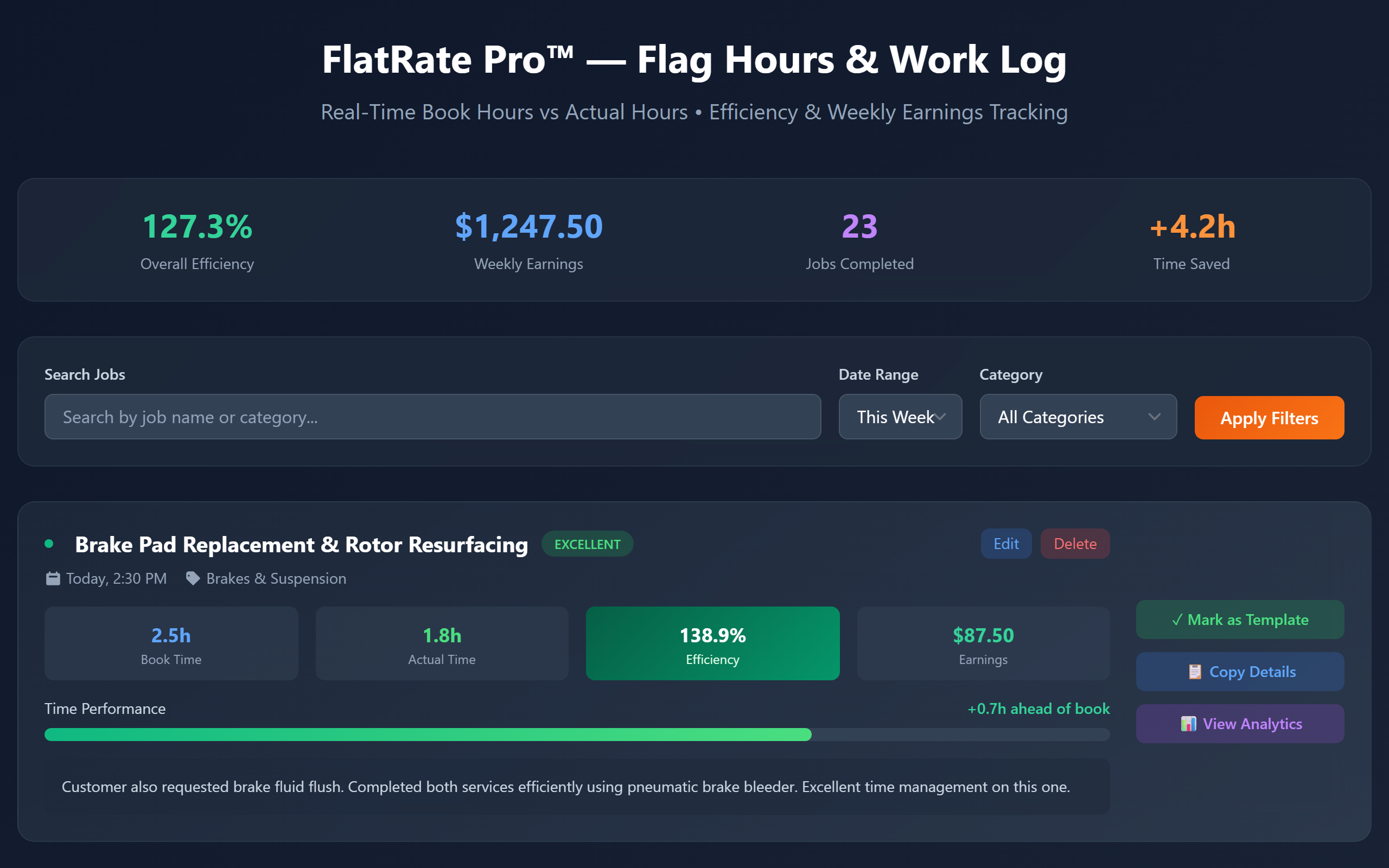
Log repair orders in seconds. FlatRate Pro compares book hours to actual clock hours on every ticket, calculates your real-time efficiency percentage, and tracks your weekly earnings with complete transparency.
Use the Time Insights bay time tracker to record wrench time, parts delays, approvals, paperwork, and diagnostics.
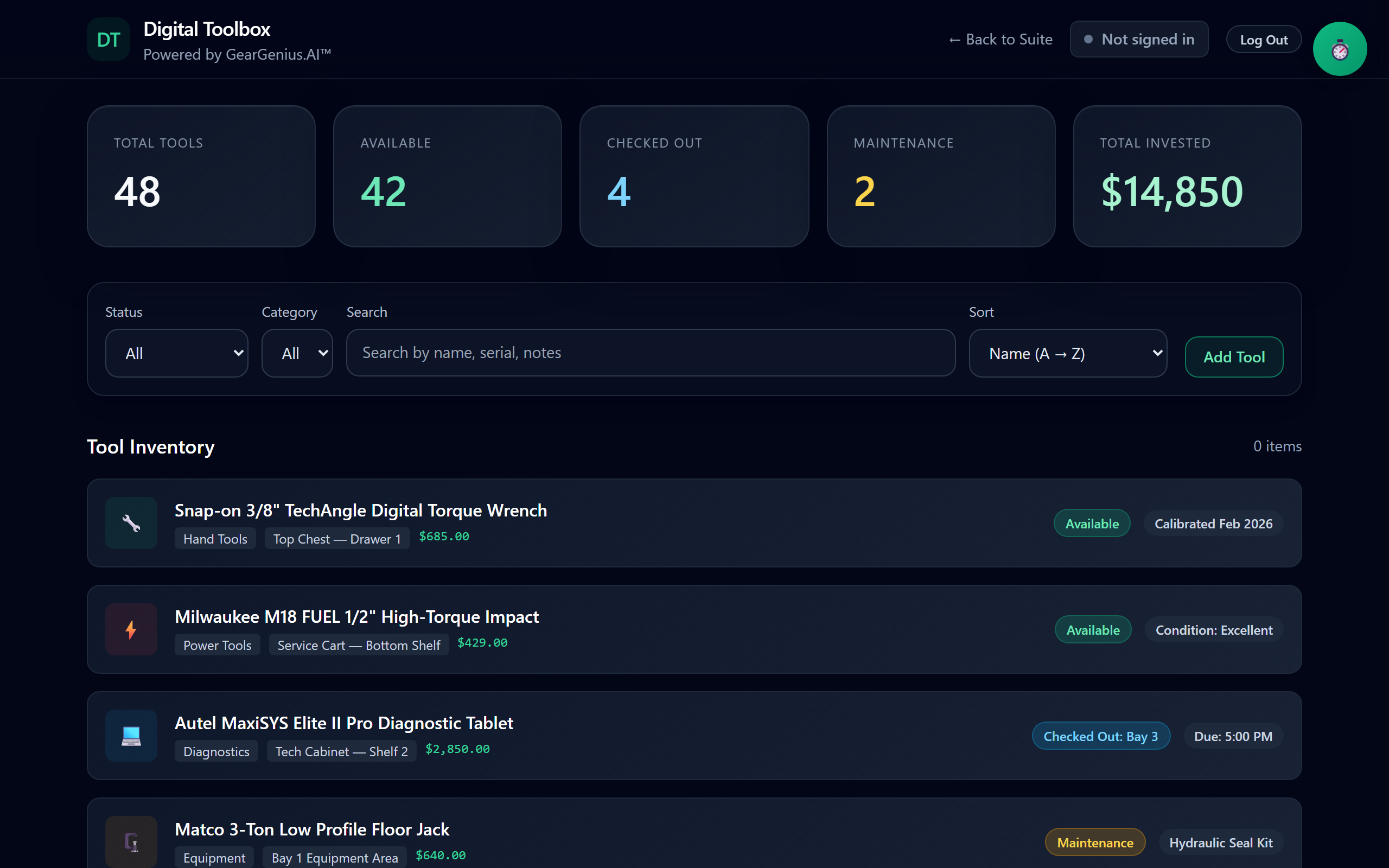
You've invested tens of thousands of dollars into your tools. The Digital Toolbox tracks every piece of equipment, its exact box/drawer location, replacement value, calibration records, and checkout status.
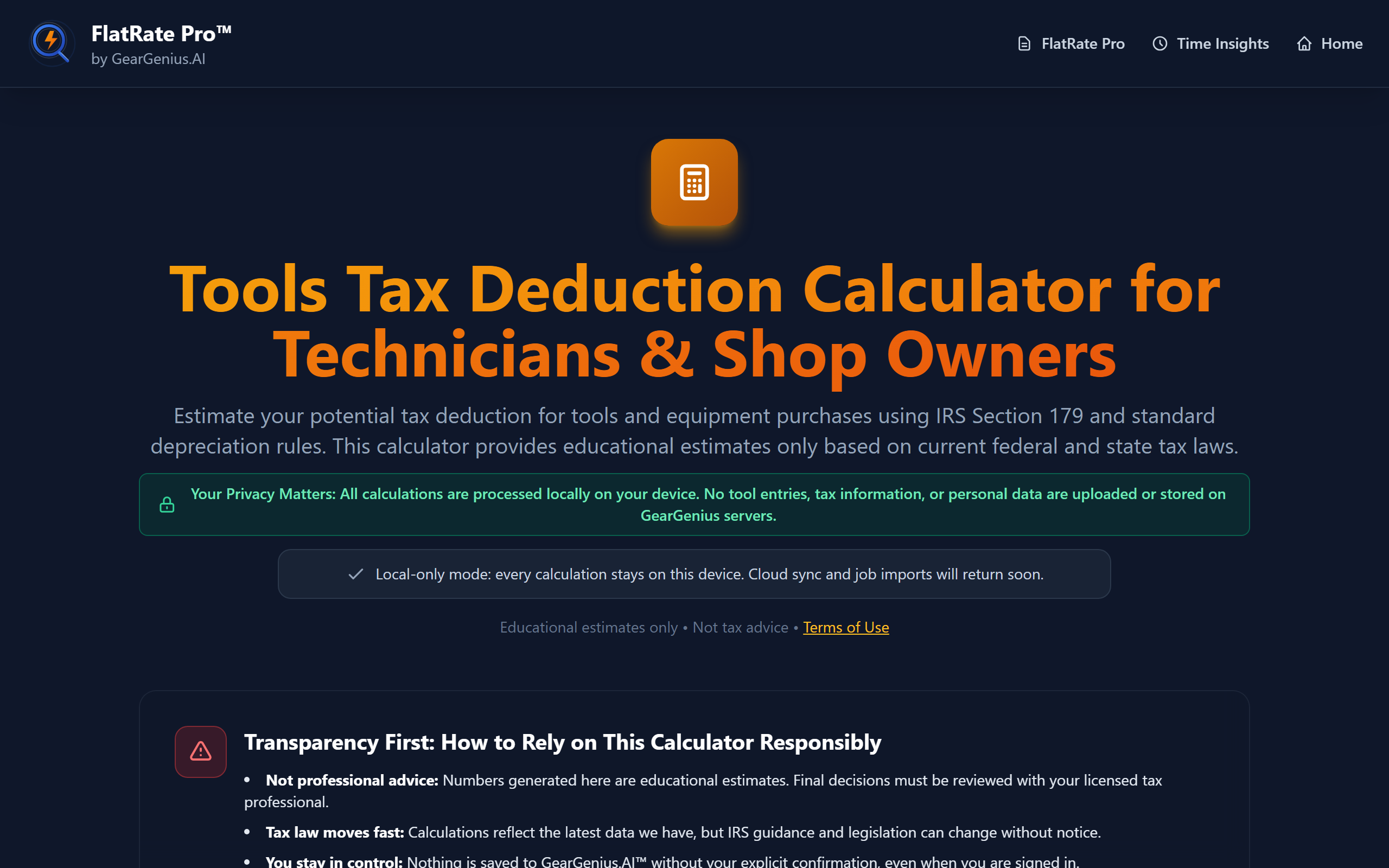
Stop guessing what your tool purchases save you on taxes. Calculate Section 179 first-year write-offs, federal bracket deductions, and state tax savings in seconds before meeting with your CPA.
FlatRate Pro gives technicians a cleaner workspace for daily logging, clearer reporting, and stronger career proof backed by real workflow data.
Share a clear, timestamped record of your work across shops. A recorded review shows that a reviewer approved specific job records; it does not prove employment or certify your work.

FlatRate Pro powered by GearGenius.AI™. We understand the challenges technicians face and built this workspace to help you succeed.
The core technician workspace is free. It includes Time Insights, the Digital Toolbox, the Tools Tax Calculator, and MCP connections for compatible AI tools.
Everything you need to know about FlatRate Pro
Yes. FlatRate Pro's technician workspace stays free. Track jobs, calculate efficiency, build your work history, and monitor career progress at no cost. MCP connections for ChatGPT, Claude, and MCP are included free with every account.
Use OAuth sign-in and consent in a compatible MCP client to request estimated earnings, analytics, or a completed-work portfolio. Write permissions cover supported job creation and status changes. No manual keys are needed. GearGenius is now available in the ChatGPT app directory. Interactive reports and app access depend on your assistant and workspace settings.
FlatRate Pro gives you a technician-owned, portable career record. Track flat rate hours, build a professional work history, calculate efficiency, and demonstrate your skills to potential employers. Use it to identify your strengths, improve weak areas, and show concrete proof of your productivity and growth.
Track every aspect of your automotive work: job types, flat rate hours, actual time spent, efficiency calculations, customer information, parts used, problem descriptions, and solutions. Build a comprehensive work history that showcases your expertise and productivity patterns.
FlatRate Pro works in your web browser without an app-store download. Sign in to save and access your personal work records. Connecting an MCP client also requires OAuth sign-in and account consent.
Personal work records require account authorization. MCP clients receive scoped access only after OAuth consent. Review the privacy policy for data handling, sharing, and connection removal details.
Start with the free technician workspace, build your book of work, and own your career record.
Sign in for personal records • Technician tools free • Works on any device