Log your work
Keep repair jobs, flag hours, and actual time together.
Work LogFree. Technician-owned. Built for your workday.
Log repairs, compare flag hours with actual time, and see estimated earnings. Build a portable work record that stays with you between shops.
Sign in to start your work record.
100% Free
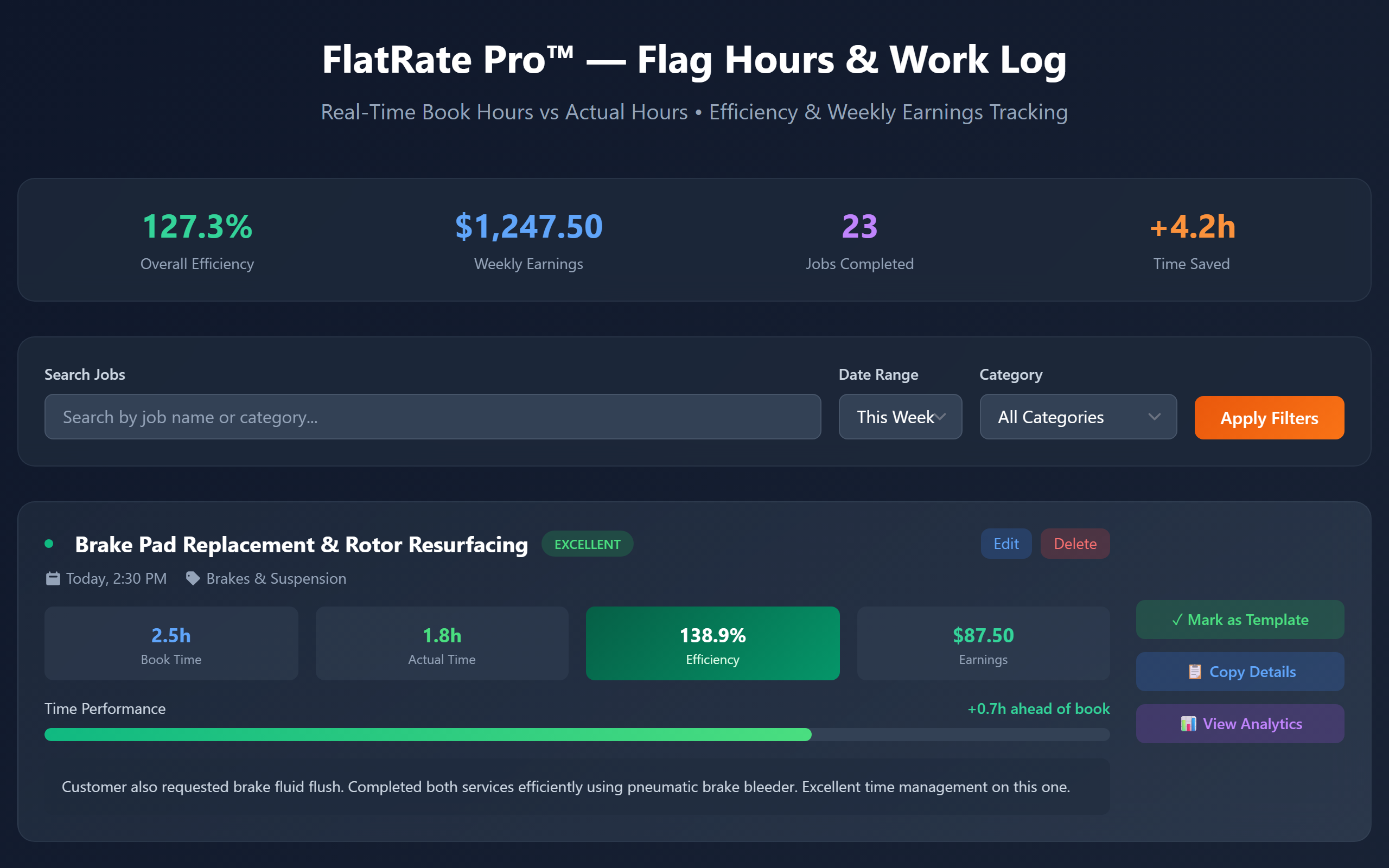
Keep repair jobs, flag hours, and actual time together.
Work LogSee where bay time goes and compare book time with actual time.
Time InsightsReview estimated earnings and share your completed-work portfolio.
Technician PortfolioAlso included: Digital Toolbox and the Tools Tax Calculator.
Connect a compatible MCP client through OAuth. Deployed preview; OpenAI approval remains pending.
MCP connection guideYes. The technician workspace and MCP access are included free, with no paid technician subscription. Third-party assistant plans and workspace policies are separate.
FlatRate Pro works in a web browser on phones, tablets, and computers. No app-store download is required. Sign in to save and access your personal work records; MCP connections also require OAuth sign-in and consent.
Use the hosted MCP connection with OAuth sign-in and consent, not manual keys. Ask for estimated earnings, analytics, or a completed-work portfolio. Interactive reports require an MCP Apps-compatible host. The server is deployed in preview; connected-account testing and OpenAI approval remain pending.
Want more detail? Read the product overview or view pricing.